
How to create a restaurant menu with ChatGPT (2026)
Creating a restaurant menu with ChatGPT involves using specific prompts to generate dish names, enticing descriptions, and structural layouts tailored to a restaurant's theme. By defining the cuisine, tone (e.g., casual, upscale), and dietary focus, you can generate a complete menu, including, in some cases, visual aids using DALL-E 3 for, in some cases, imagery.
ChatGPT makes the process of menu development faster and easier by helping you generate ideas, craft descriptions, and structure your menu in minutes. With the right prompts, you can turn a blank page into a professional, well-designed restaurant menu without stress.
You can work directly with standard ChatGPT chat or use specialized GPTs, such as the Restaurant Menu Creator, to generate structured menus and polished descriptions. Also, you can use ChatGPT to create images for your menu.
In this guide we’ll walk you through every step of creating your restaurant menu with ChatGPT.
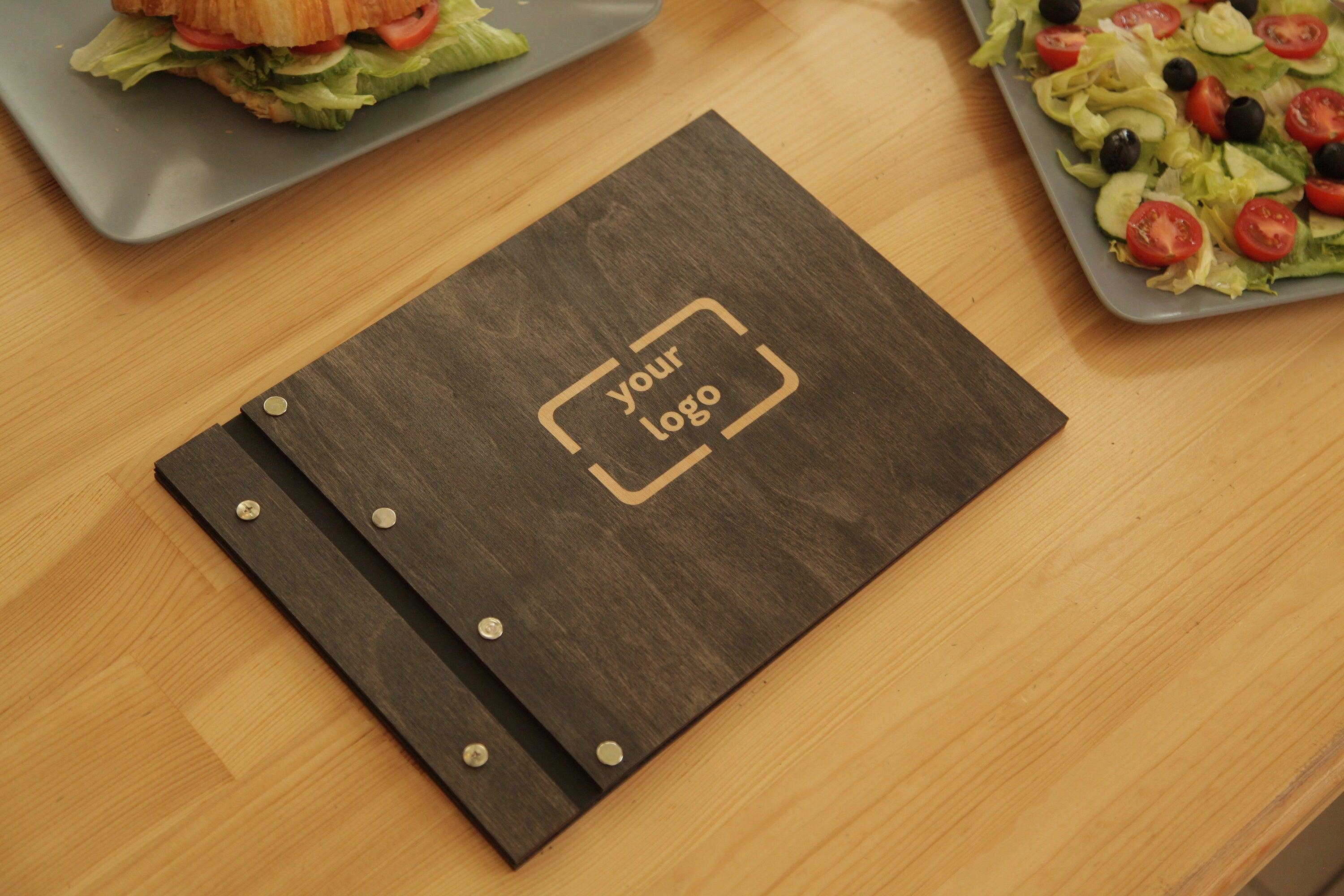
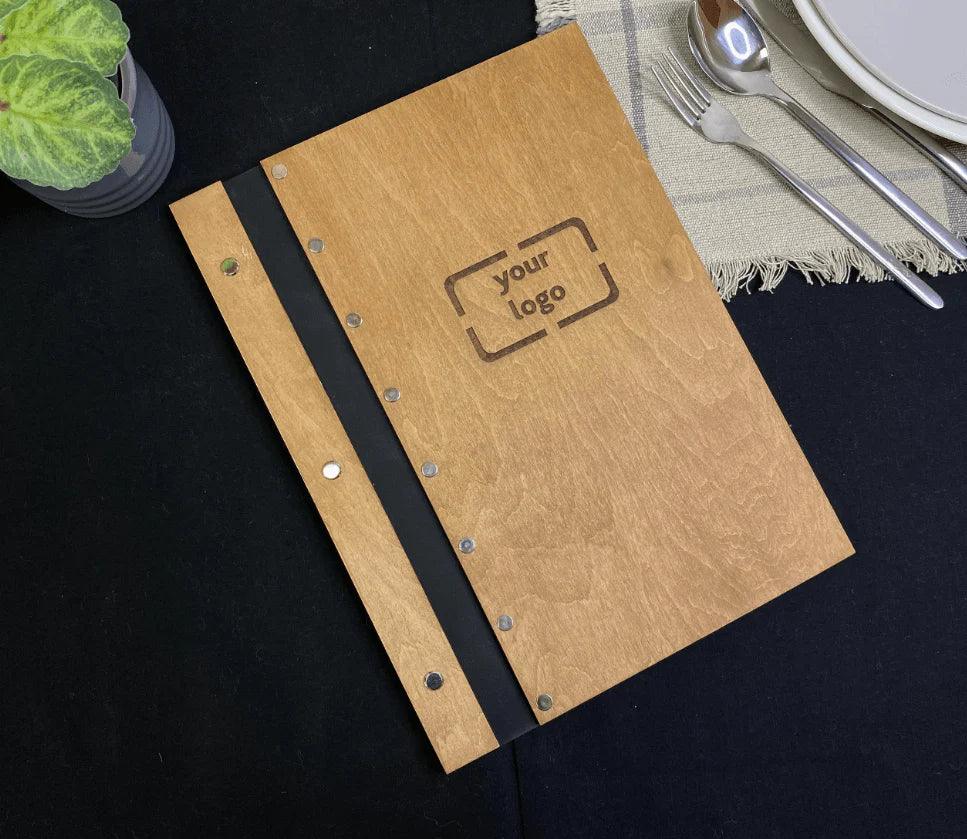
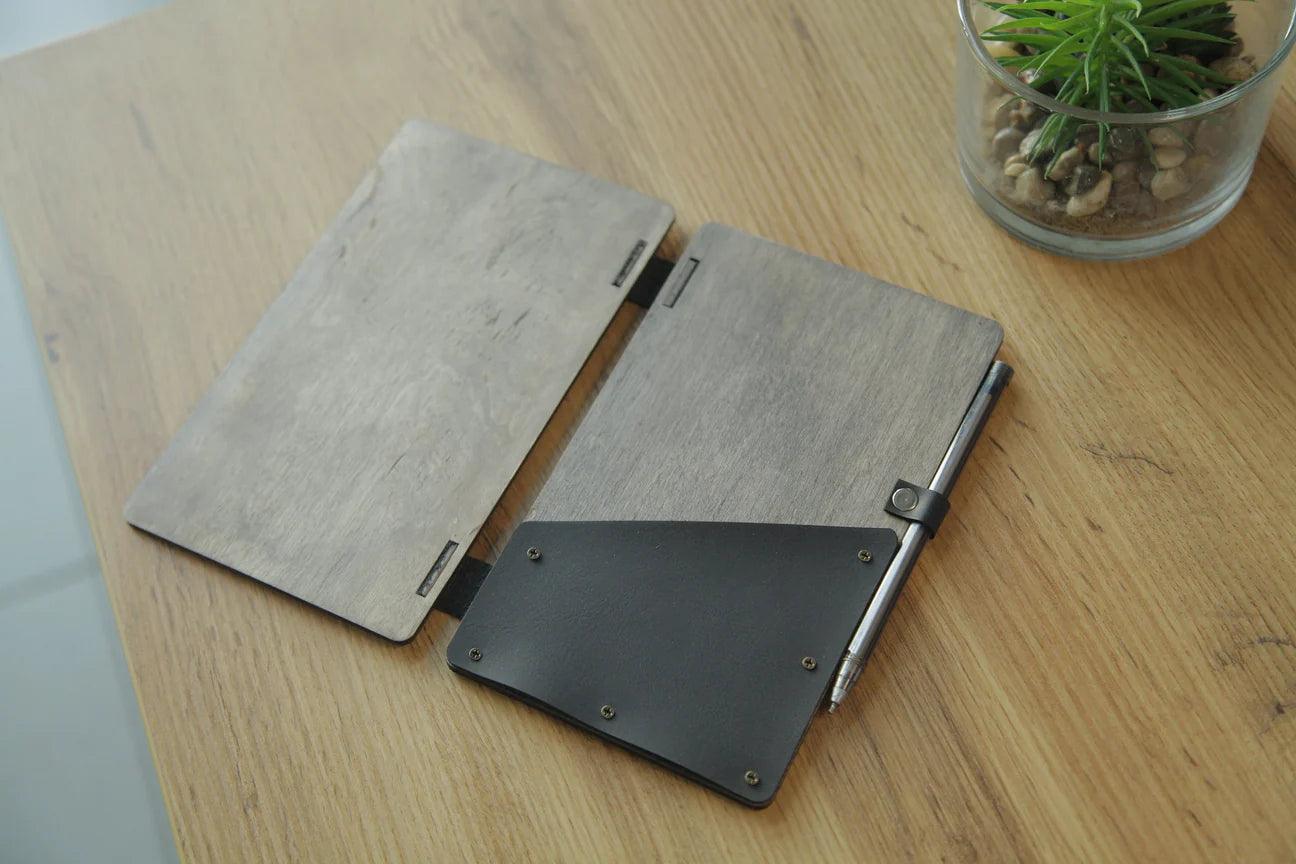
At KyivWorkshop, we create unique customizable menu covers that can be tailored to your logo and branding. We invite you to explore the collection of our products.
Steps to create a restaurant menu with ChatGPT

A well-planned menu is the foundation of every successful restaurant, and ChatGPT can help you create one quickly and professionally. These steps will help you turn your ideas into a clear, appealing, and well-structured restaurant menu.
Step 1: Define your concept
Begin by clearly explaining the overall idea behind your restaurant so ChatGPT can create content that fits your vision. Describe the cuisine type, target audience, atmosphere, and price range, such as “Upscale Italian dining” or “Fast-casual Vegan café.” The more specific you are, the better the AI can understand your style and tone. A strong concept helps ensure that every part of the menu feels consistent and professional.
Step 2: Structure the menu
Next, ask ChatGPT to organize your menu into clear and logical categories that are easy for customers to follow. Request a structured list with sections like Appetizers, Main Courses, Sides, Desserts, and Drinks.
Step 3: Generate descriptions
After the menu items are listed, use ChatGPT to create appealing and detailed descriptions for each dish. Ask for sensory and mouth-watering text that highlights ingredients, flavors, and preparation methods such as “slow-roasted” or “hand-crafted.” Good descriptions make food more tempting and help customers imagine what they will receive. This step adds personality and emotion to an otherwise plain list of items.
Step 4: Refine content
The first version of a menu is rarely perfect, so it is important to review and improve the generated text. Ask ChatGPT to rewrite descriptions in different tones, shorten or expand them, and adjust wording until it matches your brand voice. You can also request the addition of dietary-friendly options like gluten-free, vegetarian, or vegan dishes. Refining the content ensures your menu feels balanced, accurate, and inclusive.
Step 5: Use imagery
Visual elements make a menu more attractive, and ChatGPT can help you create images to match your dishes. Use prompts such as “Create a high-resolution, professional image of [dish name] with rustic, warm lighting” to generate ideas for illustrations or photos.
Step 6: Format and edit
The final step is turning the AI-generated text into a real, polished restaurant menu. Copy the content into a design program like Canva or another layout tool to arrange it in a clean and readable format. AI output often needs human adjustments for spacing, branding, and style consistency. Careful formatting and editing ensure that your menu looks professional and ready for printing or online use.
ChatGPT prompts to create restaurant menu

ChatGPT can create, refine, and describe restaurant menus by using detailed prompts that define the cuisine, tone, and key ingredients. Effective prompts include specifying the restaurant concept (e.g., upscale, casual, vegan), inputting dish ideas for evocative descriptions, and asking for seasonal or themed specials. Here are specific ChatGPT prompts you can use to create a restaurant menu:
1. Menu concept & item generation
-
Generate Ideas: "I'm opening a [type of restaurant, e.g., cozy Italian] restaurant. Can you generate 10 unique, [modern/traditional] dish ideas including appetizers, mains, and desserts?"
-
Themed/Seasonal Menu: "Generate a list of five unique vegan-friendly recipes using seasonal ingredients like squash, kale, and apples for a fall menu, including appetizers and mains".
-
Specific Ingredient Focus: "Create 5 ideas for a [cuisine] dish containing [Ingredient A] and [Ingredient B]".
2. Crafting menu descriptions
-
Evocative Descriptions: "Write enticing, descriptive, and sensory-driven menu entries for the following dishes: [List dishes, e.g., pan-seared sea scallops with parsnip purée]".
-
Tone Adjustment: "Rewrite the following menu descriptions to sound more [upscale/casual/playful/sophisticated]".
-
Highlighting Sourcing: "Draft descriptions for a farm-to-table menu that emphasize local, organic, and sustainable ingredients".
3. Specialty menus & drinks
-
Cocktail Menu: "Create 5 unique cocktail recipes inspired by [theme/season, e.g., summer tropical] for a bar menu".
-
Dietary Restrictions: "Suggest 5 high-end, plant-based or gluten-free menu items that fit a [cuisine] restaurant concept".
-
Holiday Specials: "Suggest a 3-course Valentine's Day menu for an Italian restaurant that is both romantic and cost-effective".
4. Menu optimization & strategy
-
Pricing & Profitability: "Based on these menu items and their ingredient costs [list them], suggest pricing that ensures a 30% food cost margin".
-
Menu Engineering: "Here is my current menu [paste menu]. Analyze it and suggest which items to remove and which to promote for higher profitability".
Unique branded menu covers from KyivWorkshop

At KyivWorkshop, we manufacture high-quality custom menu covers that combine style, durability, and sustainability.
With flexible options for sizes, materials, colors, and engraving, you can tailor every detail to fit your unique concept.
We invite you to explore our collection of menu covers and find the perfect way to present your menu with character.
FAQs
Can ChatGPT make a restaurant menu?
Yes, ChatGPT can help build a complete menu from scratch based on your ideas. It can create lists of appetizers, mains, desserts, and drinks in an organized structure. The system uses artificial intelligence to suggest wording and layouts that fit your cuisine. However, the best results still benefit from real human creativity to refine the final version.
How to create a restaurant menu design?
Start by choosing a clear style that matches the atmosphere of your place. Think about how the presentation of each section will look on the page or screen. Use colors and fonts that reflect your brand identity and attract attention. Finally, organize everything so that important menu items are easy to read and understand.
Can ChatGPT generate a menu?
ChatGPT can easily generate a structured list of dishes for any cuisine type. You only need to explain the basic concept and the kind of food you serve. The tool can also help plan seasonal ingredients and special offers. This makes it useful for fast and efficient menu development.
How to use AI to create a menu?
Begin by giving the AI clear instructions about your restaurant and its target audience. Ask it to produce organized categories and appealing descriptions for each item. You can also request ideas based on customer preferences or trends. With the right prompts, ai tools become powerful helpers for planning menus.
How to ask ChatGPT to create a menu?
To get good results, clearly describe your cuisine type and desired tone. Provide details such as price range, theme, and any dietary restrictions. You can even request a full menu for a specific place like an italian restaurant. Clear instructions help the system give a more accurate answer.
How to generate a restaurant menu?
Start by explaining your new concept and the kind of experience you want to offer. Ask for a list of creative meal ideas that match your restaurant’s personality. You can request options based on local ingredients or popular trends. This approach helps shape a menu that fits your brand story.
Can AI design a menu for me?
Yes, AI can help organize your menu layout and craft engaging menu descriptions. It can suggest how to arrange sections so they fit your restaurant’s offerings. Many restaurant owners use it to save time and experiment with fresh ideas. The final editing should still match your real-world context.
How to generate QR code for restaurant menu?
Creating a QR code is simple once your menu is uploaded to a website or online location. Free online generators allow you to link directly to the digital menu page. This modern tool helps engage guests and improves convenience at the table. It is especially useful during busy periods.
What is a basic rule when creating a restaurant menu?
A key rule is to keep the menu focused and easy for customers to understand. Highlight a few signature dishes instead of listing too many similar options. Clear organization improves overall customer satisfaction. Good structure also supports smooth restaurant operations.
What is the most profitable menu item?
Profitable items usually balance low cost with strong sales potential. Dishes made with affordable staples like chicken, pasta, or queso fresco often perform well. Smart menu pricing helps increase revenue without reducing quality. Regularly reviewing customer feedback keeps profits stable.
How to make your business show up on ChatGPT?
To appear more often in AI answers, maintain an active online presence across search engines. Post consistent updates on social media and encourage reviews from real guests. Clear information about your restaurant today helps AI systems recognize your business. Strong visibility supports long-term marketing success.
How to make your restaurant appear in ChatGPT?
Keep accurate details about your restaurant listed on major online platforms. Share updates, photos, and events to strengthen digital awareness. Positive reviews from potential customers improve your reputation. These steps help AI tools recognize your place among other local businesses.
How to write menu descriptions with ChatGPT?
Ask ChatGPT directly to write menu descriptions that sound vivid and appealing. Request language that reflects the taste and quality of each dish. You can ask it to highlight cooking methods and ingredients. This approach helps turn simple text into engaging food storytelling.
How to use AI tools for menu development?
AI can suggest new ideas based on trends like taco tuesday or other themed nights. It can help plan options that fit different dietary needs and budgets. These systems also support creative brainstorming without replacing the role of a real chef. Used wisely, they bring innovative solutions to planning menus.
How to use ChatGPT to improve restaurant operations, inventory management and staff scheduling?
ChatGPT can assist with better restaurant management by organizing daily tasks and workflows. It helps plan inventory management by predicting what ingredients to order. The tool can also suggest efficient staff scheduling for smooth daily operations. Combined with strong hospitality and excellent customer service, these improvements help any restaurant stay ahead in the competitive restaurant industry.